
30% off the Best Lightroom Presets! Presetpro.com is the world’s leading resource for Lightroom presets. We have the best selection of presets from top photographers in the world, and we’re offering 30% off all of them this week only! Whether you’re a professional photographer or just starting out, our presets will help you take your […]
14
Oct
Oct
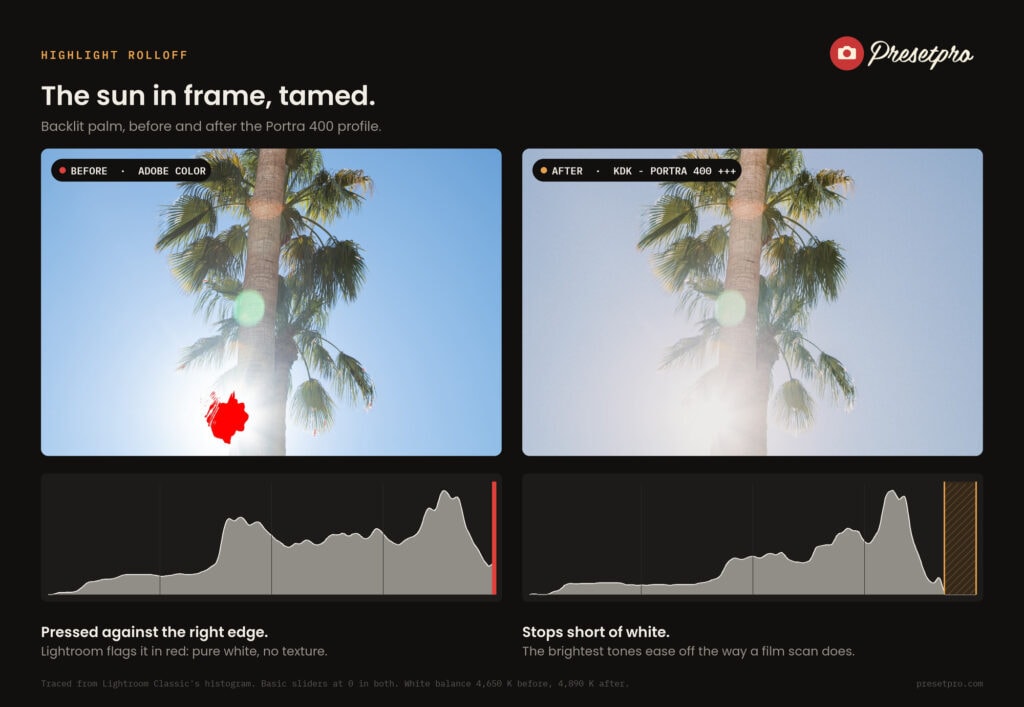
Why film highlights roll off and digital ones blow out, why the Highlights slider cannot fix it, and how a Portra 400 profile builds in the film scan look.
06
Oct
Oct
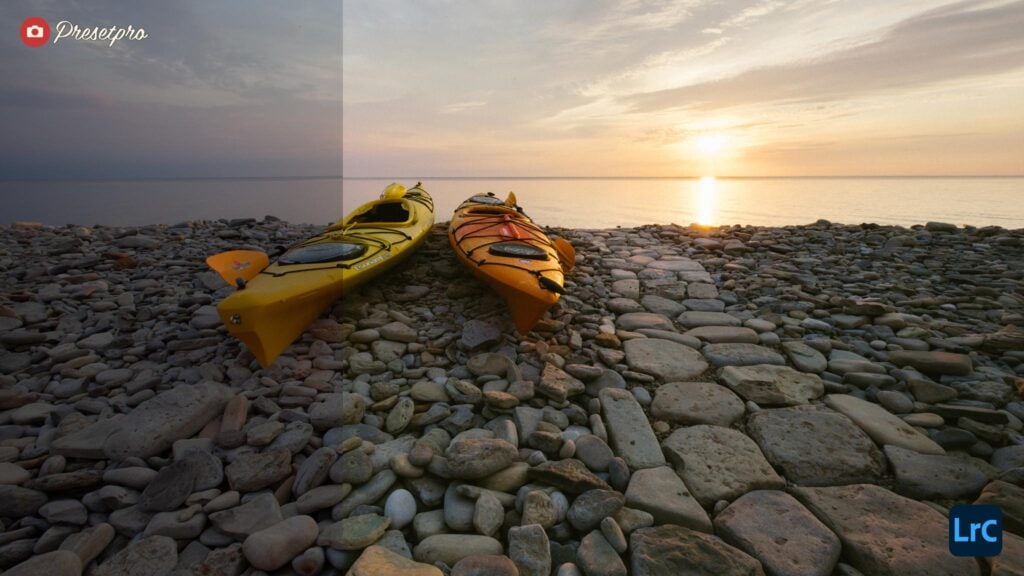
One RAW photo, one click on a camera profile, and about two minutes of finishing. This is what editing with the RAW Series P400 actually feels like: the Portra 400 inspired look is rendered through a DCP camera profile built for the exact camera that took the photo, so the film look is there before […]
22
Sep
Sep
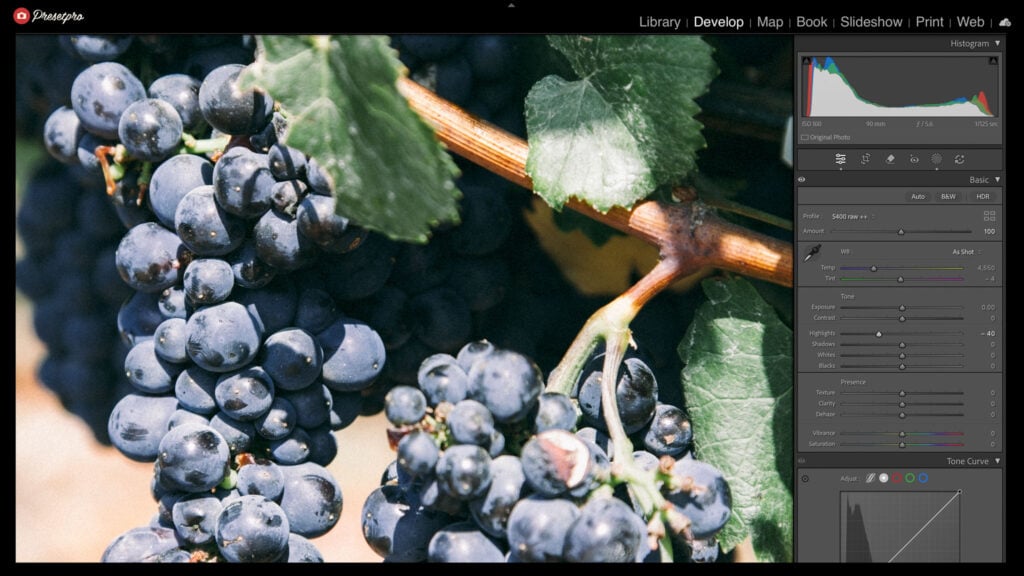
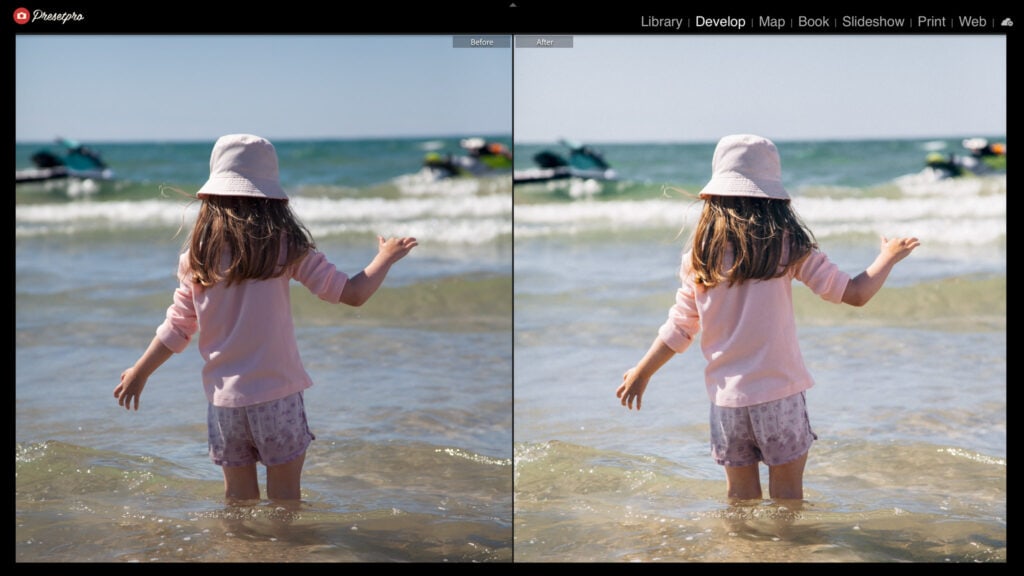
Open a RAW file, click once, and the Superia inspired color is already there. That is the whole first step of an edit with the RAW Series S400: the Superia inspired color is carried inside the raw look itself, rendering on a DCP camera profile built for the exact camera that took the photo, so […]
14
Sep
Sep
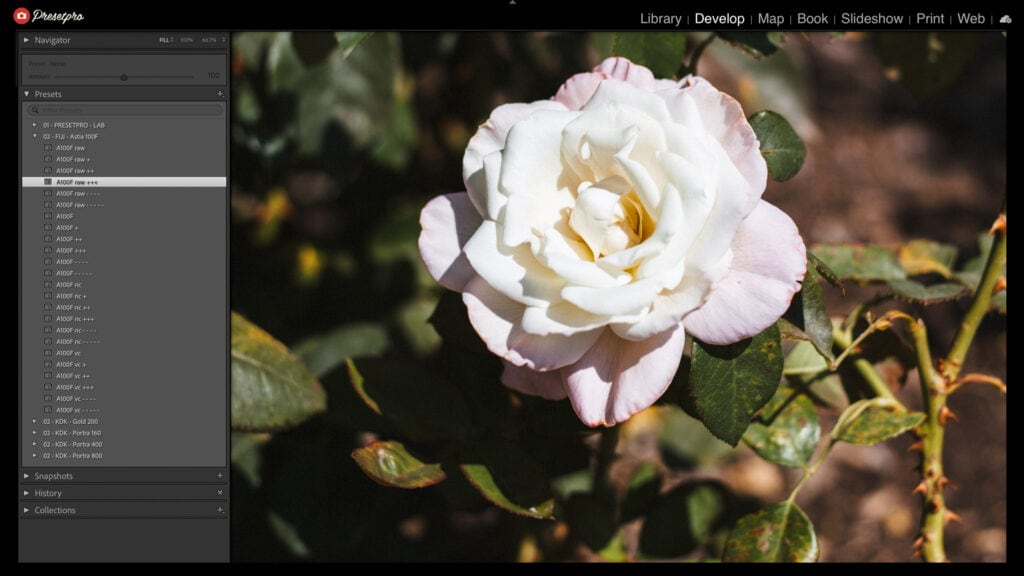
Open a RAW file, click once, and Astia is already there. That is the whole first step of an edit with the RAW Series A100F: the Astia 100F inspired color is built into a DCP camera profile made for the exact camera that took the photo, and the raw look locks its tone on top, […]
10
Sep
Sep
One click, and the film is already in the file. That is how an edit with the RAW Series G200 begins: the Gold 200-inspired rendering comes from a DCP camera profile built for the exact camera that took the photo, so the look lands before a single slider moves. What follows is about two minutes […]
08
Sep
Sep
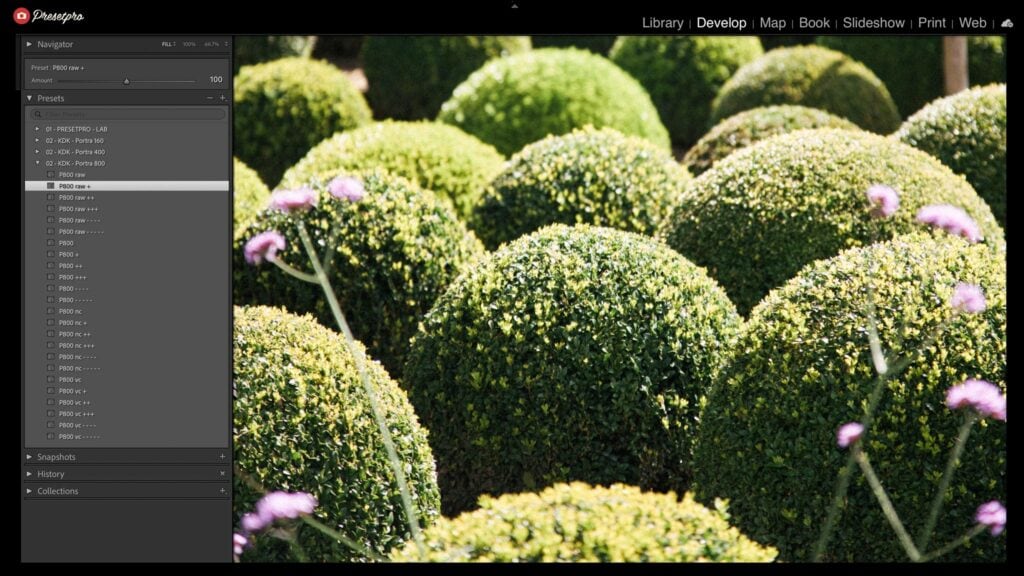
Open any RAW file, click once, and the film is already there. That is the whole first step of editing with the RAW Series P800: the Portra 800 inspired rendering comes from a DCP camera profile made for the exact camera behind the photo, so the look arrives before you touch a slider. Two minutes […]
01
Sep
Sep
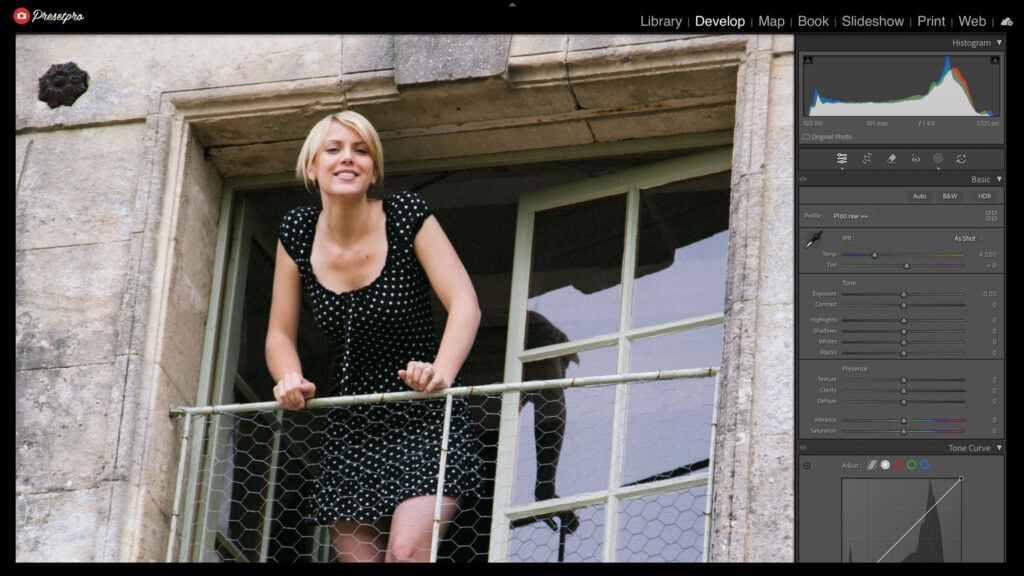
One RAW photo, one click on a camera profile, and about two minutes of finishing. This is what editing with the RAW Series P160 actually feels like: the Portra 160 inspired look is rendered through a DCP camera profile built for the exact camera that took the photo, so the film look is there before […]
22
Aug
Aug
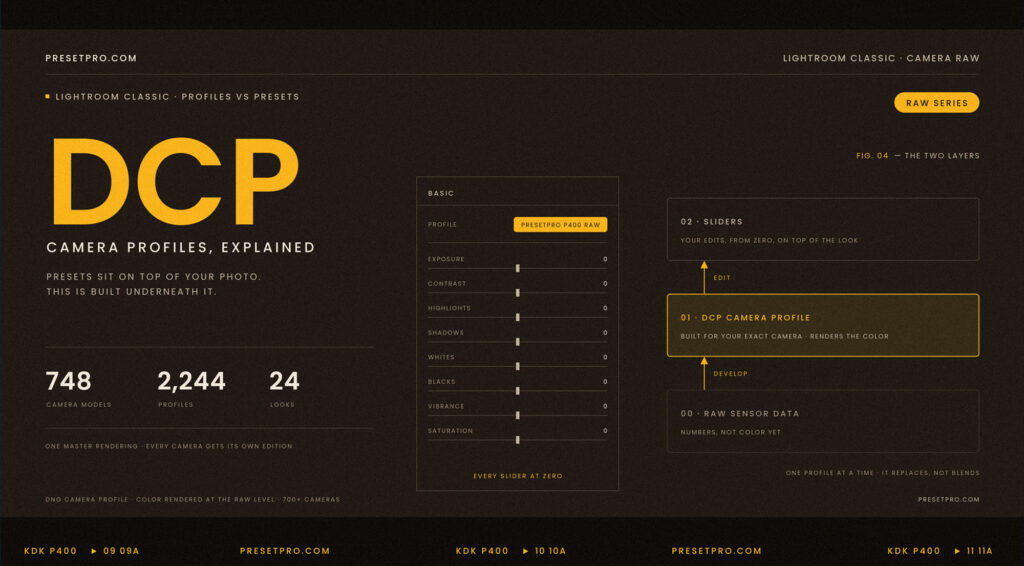
Here is a small experiment that changes how you think about editing. Open a RAW photo in Lightroom Classic, apply a film look built into a DCP camera profile, and watch the Basic panel. The image transforms. The sliders do not move. Every tone and color slider is still sitting at zero. So where did […]
19
Aug
Aug
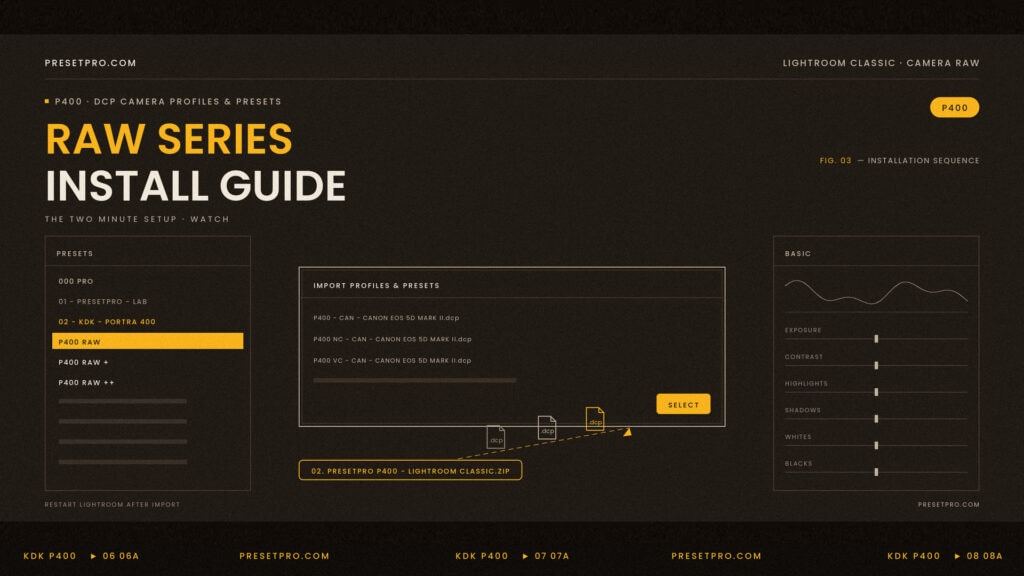
The RAW Series installs like any other Lightroom package, with one important difference: it includes camera profiles, not just presets. Those profiles are DCP files, and DCP files are a Lightroom Classic feature. This guide covers the one click install, the manual method, the Cloud Edition, and what to do if something does not show […]